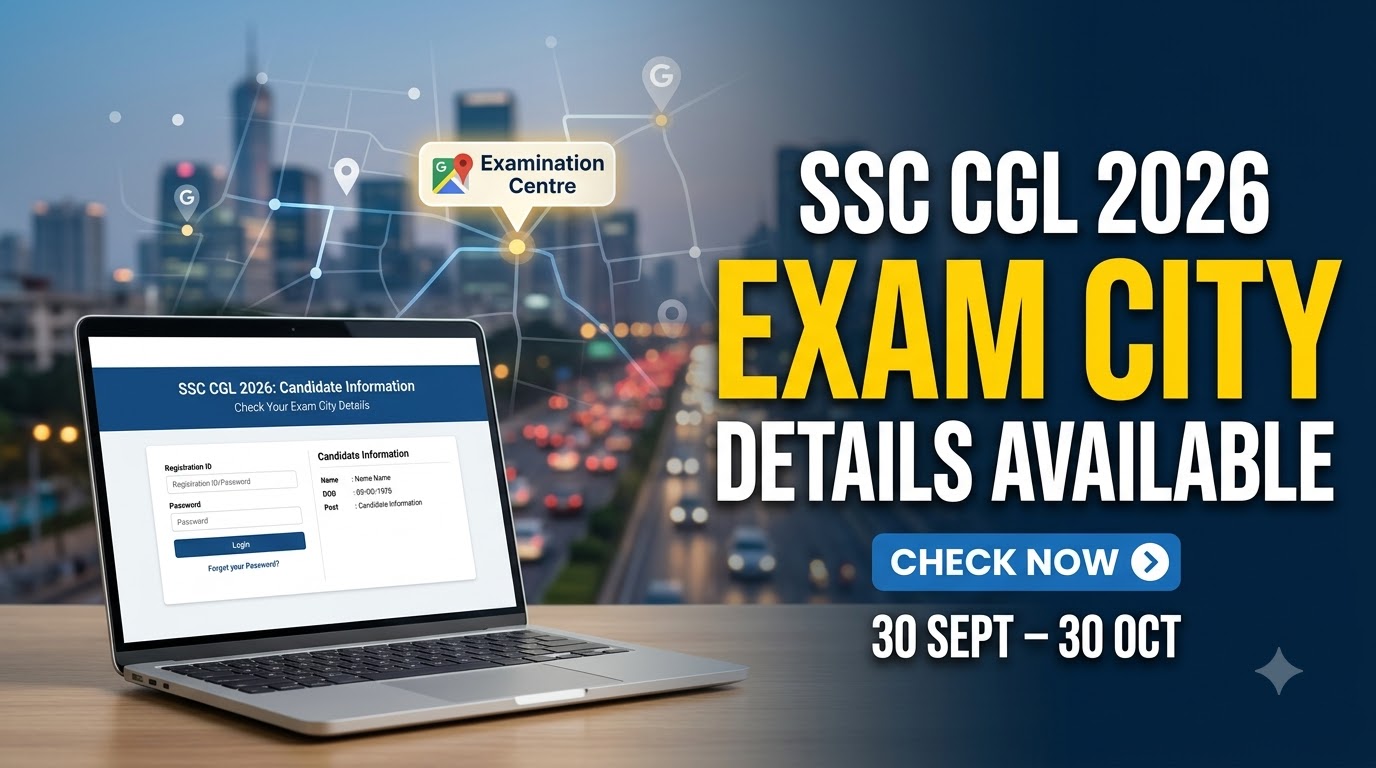
The Staff Selection Commission (SSC) has issued an important update regarding the examination city and Admission Certificate for candidates appearing in the Combined Graduate Level Examination (CGL) 2026 Tier 1. Candidates can check their allotted examination city through the designated login module on the SSC website.
SSC CGL Tier 1 is scheduled to be conducted from 30 September to 30 October 2026. The Commission has also clarified that the Admission Certificate, commonly referred to as the SSC CGL admit card, will tentatively become available two to three days before each candidate’s respective examination date.

Candidates who have opted to use their own scribe should pay particular attention to the separate deadline. They have until 24 September 2026 at 11:00 PM to map their scribe’s OTR for the SSC CGL Tier 1 examination.
Table of Contents
SSC CGL Exam City and Admit Card 2026 Overview
| Particular | Details |
|---|---|
| Examination | SSC Combined Graduate Level Examination 2026 |
| Stage | Tier 1 |
| Conducting Authority | Staff Selection Commission |
| Exam Dates | 30 September to 30 October 2026 |
| Exam City Details | Available through candidate login |
| Admission Certificate | Tentatively 2-3 days before the individual exam date |
| Official Portal | ssc.gov.in |
| Own Scribe OTR Mapping Deadline | 24 September 2026, 11:00 PM |
| Notice Date | 21 September 2026 |
Candidates should first check their examination city through their SSC login so that travel and accommodation arrangements, where necessary, can be planned in advance.
The exam city information is different from the Admission Certificate. The city details inform candidates where their examination has been scheduled, while the Admission Certificate contains the detailed examination information required to appear in Tier 1.
Exam City Details

SSC has stated that candidates appearing for CGL Tier 1 will be able to view their examination city by logging in to the designated module on the Commission’s website.
Candidates should keep their SSC login credentials ready and check the city information well before the examination. Those allotted a center outside their home city should use this information to make necessary travel arrangements.
The city information should not be treated as a substitute for the Admission Certificate. Candidates will still need to download their Admission Certificate separately once it becomes available for their examination date.
Admit Card Release Date

SSC has not announced a common date for the release of all Tier 1 Admission Certificates.
Instead, the Commission has said that the Admission Certificate will be available two or three days before each candidate’s respective examination date.
This means candidates appearing earlier in the examination schedule may receive access to their Admission Certificate sooner than candidates whose examinations are scheduled later.
Since SSC CGL Tier 1 will run from 30 September to 30 October 2026, candidates should regularly check their login as their allotted examination date approaches.
How to Check SSC CGL Exam City 2026
Candidates can check their examination city through the SSC candidate login using the following process:
- Visit the official Staff Selection Commission website.
- Open the designated candidate login module.
- Log in using the required registration credentials.
- Locate the CGL 2026 Tier 1 examination section.
- Open the examination city information.
- Check the allotted city and other displayed details.
- Save the information for future reference.
The Admission Certificate will later be accessible through the same designated login system.
SSC CGL Tier 1 Exam Dates
The Combined Graduate Level Examination 2026 Tier 1 will be conducted between 30 September and 30 October 2026.
The examination is being held over an extended period, so candidates must rely on the date and reporting information shown in their individual examination records and Admission Certificates rather than assuming a common examination date.
Candidates should carefully verify their examination date, shift, reporting time, and center details once the Admission Certificate is issued.
Important Update for Candidates Using Own Scribe
SSC has also announced important instructions for candidates who have opted for the “Own Scribe” facility.
According to the Commission, scribe registrations completed before 5 November 2025 were disposed of. Candidates whose scribes were registered before this date may therefore need to complete a fresh scribe registration.
The scribe registration system has now been integrated with Aadhaar authentication. Personnel who wish to register and serve as scribes must complete a new registration through the SSC website in accordance with the updated process.
Own Scribe OTR Mapping Deadline
Candidates opting for their own scribe in SSC CGL Tier 1 must map the scribe’s registration number or OTR with their application.
The deadline for completing this process is:
24 September 2026, up to 11:00 PM.
SSC has made it clear that a Scribe Entry Pass will be generated only for candidates who successfully map their scribe’s OTR.
Candidates using this facility should therefore complete the process before the deadline rather than waiting until their examination date approaches.
Aadhaar Authentication for Scribes
Aadhaar authentication has been integrated into the SSC scribe registration process.
This means individuals who intend to register or serve as scribes must complete the fresh registration process using the system prescribed by SSC.
The permissible age limit for personnel appearing as their own scribe will be governed by SSC’s updated scribe policy dated 4 November 2025. Other guidelines relating to the scribe facility will continue to apply in accordance with the examination notice.